


I spend a lot of time helping photographers in Facebook groups.
I’ve done it for years – answering questions, troubleshooting catalogues, talking people through edits.
And after all of that, plus years of editing professionally and teaching photographers one-to-one, I’ve noticed the same pattern coming up again and again.
It usually starts with something like:
- My skin tones look off
- My preset suddenly isn’t working
- Why is Lightroom so slow?
- Should I move to Capture One?
- Do I need AI culling software?
- Is Evoto the answer?
And to be clear – some of those tools are genuinely useful.
I’m not anti-new software. I’m not anti-AI. I’m not here clutching an old hard drive shouting about the good old days.
But I do think a lot of photographers are being sold the idea that the next piece of software will fix problems that are usually better solved by actually understanding the one they already have.
Why do we keep chasing new software?

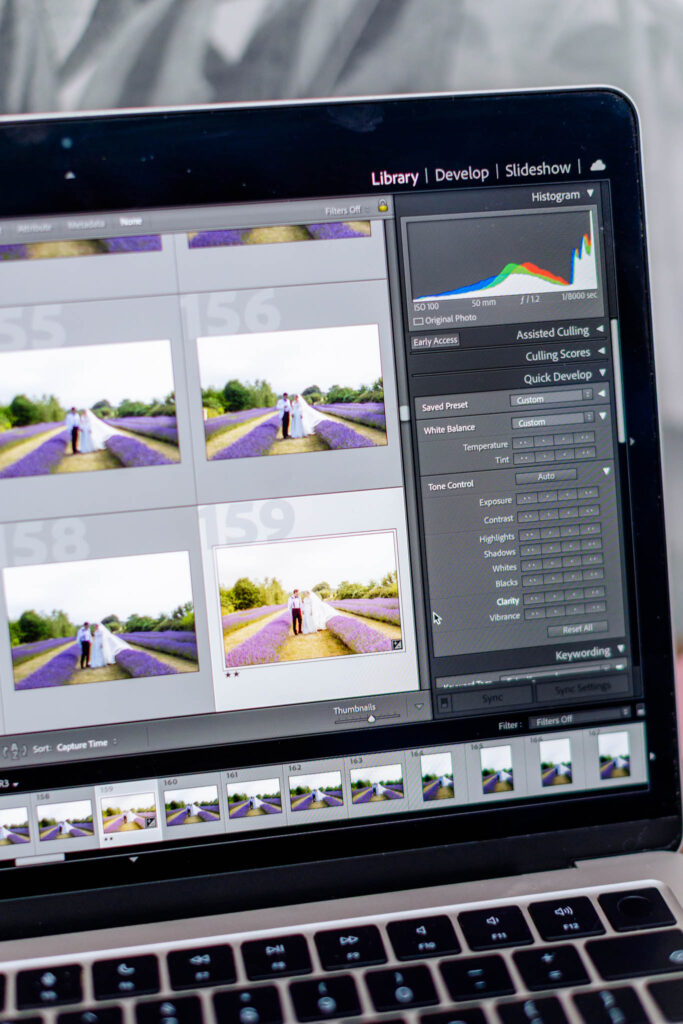
Here’s the thing no one really talks about – it’s not just about the tools. There’s a psychology to it.
When editing feels hard or inconsistent, it’s easy to assume you’re missing something.
That everyone else has found a secret shortcut.
That the right software will finally make it click.
And the marketing doesn’t help – every new app promises one-click results, effortless skin tones, a transformed workflow.
So people buy. And for a while, it feels like progress.
But six months later, the same problems turn up wearing a different logo.
The truth no one really wants to hear
Most editing frustrations aren’t caused by using the wrong software.
They come from not fully understanding colour and white balance.
From relying on presets without knowing what they’re actually changing.
From inconsistent shooting conditions, messy catalogues, or expecting one-click perfection across every gallery.
And a lot of “my colours look wrong” problems?
Usually it’s presets – applied without understanding what they’re doing to the image, or layered on top of each other in the hope that two will do what one couldn’t.
It doesn’t work like that.
And no amount of new software will change it.
I see it all the time.
Skin tones going orange after a preset is applied.
Greens turning radioactive in summer shoots.
Every single gallery needing different tweaks because the base edit isn’t solid.
Laptops grinding to a halt because they’re full of previews and clutter.
And photographers buying yet another tool instead of fixing the actual workflow.
That’s knowledge.
And knowledge is the thing that actually sets you free.
It’s also the kind of practical editing knowledge I teach inside my training.
Why Lightroom Classic still works for most photographers

Adobe do not know I exist.
There’s no cheque, no affiliate code, nothing hiding in this post.
I recommend Adobe Lightroom Classic because after years in this industry, I genuinely think it gives most photographers the strongest all-round setup for real working life.
It keeps evolving in ways that matter:
- faster performance
- smarter masking
- AI noise reduction
- better syncing
- reliable batch editing for high-volume work
Anything shiny another platform launches?
Adobe are usually watching.
And quietly building their own version.
I’ve seen it happen again and again.
One thing worth knowing if you’re newer to this: there are actually two versions of Lightroom.
Classic is the desktop-based one with your local catalogue – the one most working photographers use.
The other (just called Lightroom) is cloud-based and works differently.
They’re not the same thing, and mixing them up causes a lot of confusion.
And yes – if you’re tethering heavily in a studio environment or have a very specific commercial workflow, another platform might genuinely suit you better.
I’m not here to be tribal about it.
But for the vast majority of photographers, Classic is still the one.
The stack problem

Here’s the one that really gets me.
Photographers adding an AI culler, a skin retouching app, an AI editor and a delivery platform on top of Lightroom – and then wondering why their workflow feels chaotic.
That’s potentially an extra £40-50 a month.
More software to learn.
More things to go wrong.
And the original problem still sitting there underneath all of it.
Some photographers now have five subscriptions and still can’t fix orange skin tones.
Sometimes the answer isn’t another subscription.
It’s understanding what you already have.
What actually helps

Building a solid base edit.
Understanding how colour shifts happen.
Knowing what your tools actually do.
Getting your catalogue in order.
And – maybe most importantly – knowing when to stop.
My whole approach to editing comes down to this:
Consistency comes from awareness, knowledge and restraint.
Not from forcing a look onto every image.
Not from stacking tools and hoping for the best.
That’s where the magic lives.
Professional photographers need consistency, not chaos
Clients don’t care what software you used.
They care that they look good, their gallery feels polished, delivery is smooth and their images arrive on time.
That comes from process, judgement and skill – not from chasing every new tool on the market.
You don’t need a software stack that looks like NASA mission control.
You need to really know the one you’re working in.
My honest take
Use extra software if it genuinely saves you time or solves a real problem.
But don’t assume something’s broken just because you’re only using Adobe Lightroom Classic.
For most photographers, it’s still the best core editing tool out there.
Not because it’s trendy – because it works.
If Lightroom feels harder than it should


The answer is usually understanding – not another subscription.
A lot of photographers don’t need more software.
They need a better relationship with the one already sitting on their desktop.
That’s exactly what I help with – practical, real-world editing that gets you to consistent results without the chaos.
About Eddie
Photographer with 18+ years experience helping photographers create consistent edits and calmer workflows.